

Product Overview
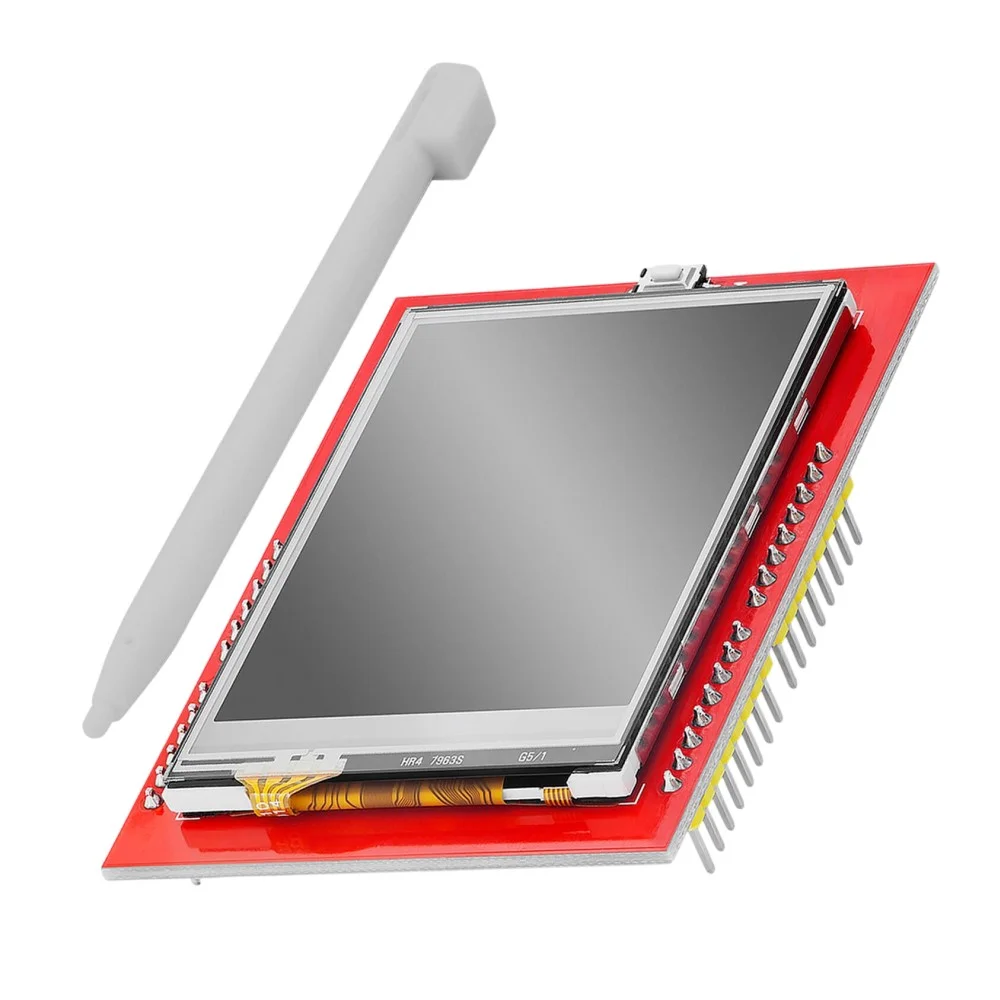
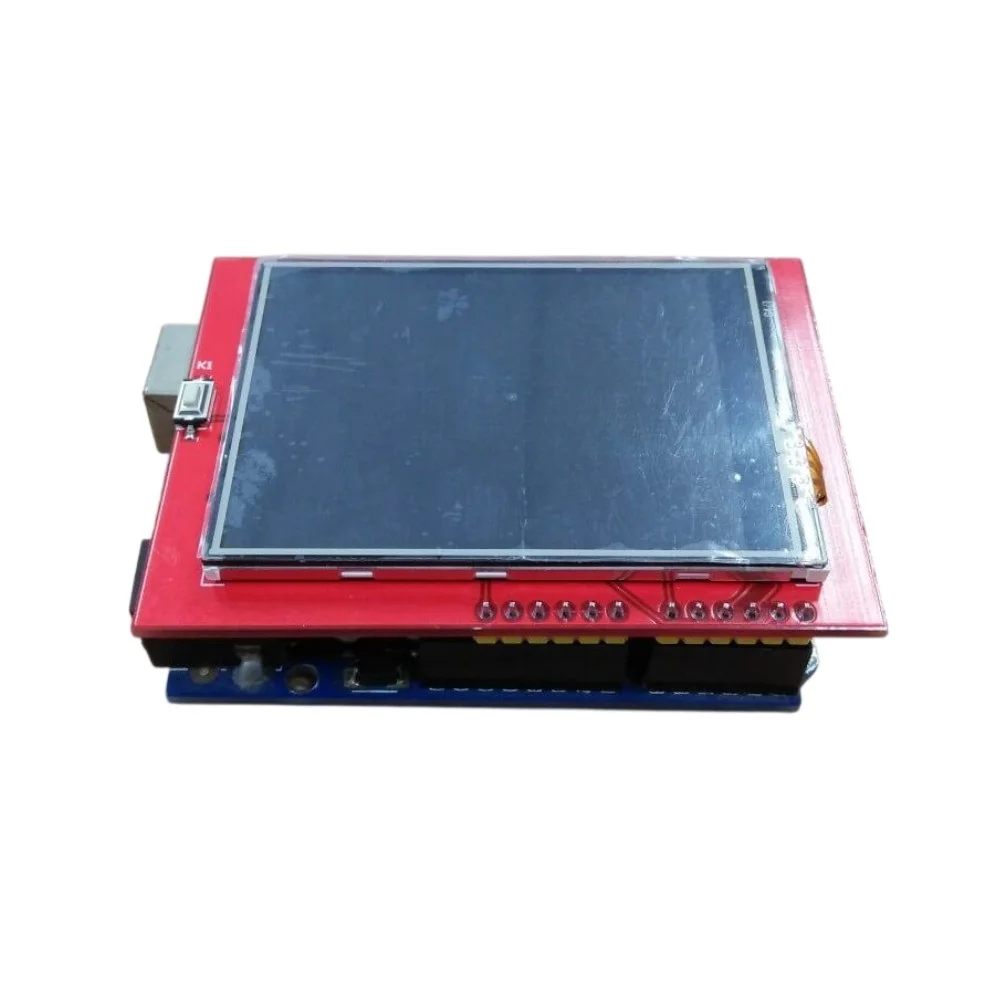
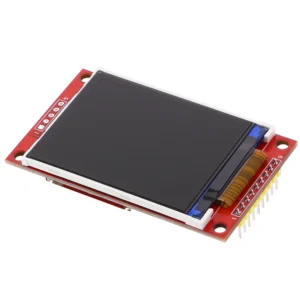
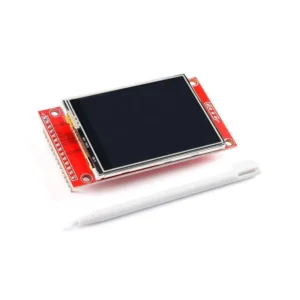
The 2.4 Inch TFT Touch Display Shield for Arduino UNO is a compact and feature-rich color display module that combines a 320×240 resolution TFT LCD with a resistive touch panel. Designed as a direct shield for the Arduino UNO, it plugs in easily without wiring, making it ideal for graphical user interfaces (GUI), monitoring systems, and interactive projects.
This display is commonly used in embedded systems, DIY electronics, and educational projects where visual feedback and touch interaction are required.
Key Features
- 2.4 Inch TFT LCD Display: Bright and colorful screen with 320×240 resolution
- Resistive Touch Panel: Supports touch input using finger or stylus
- Arduino UNO Shield Format: Direct plug-and-play compatibility
- 16-bit Color Display: Displays rich graphics and images with 65K colors
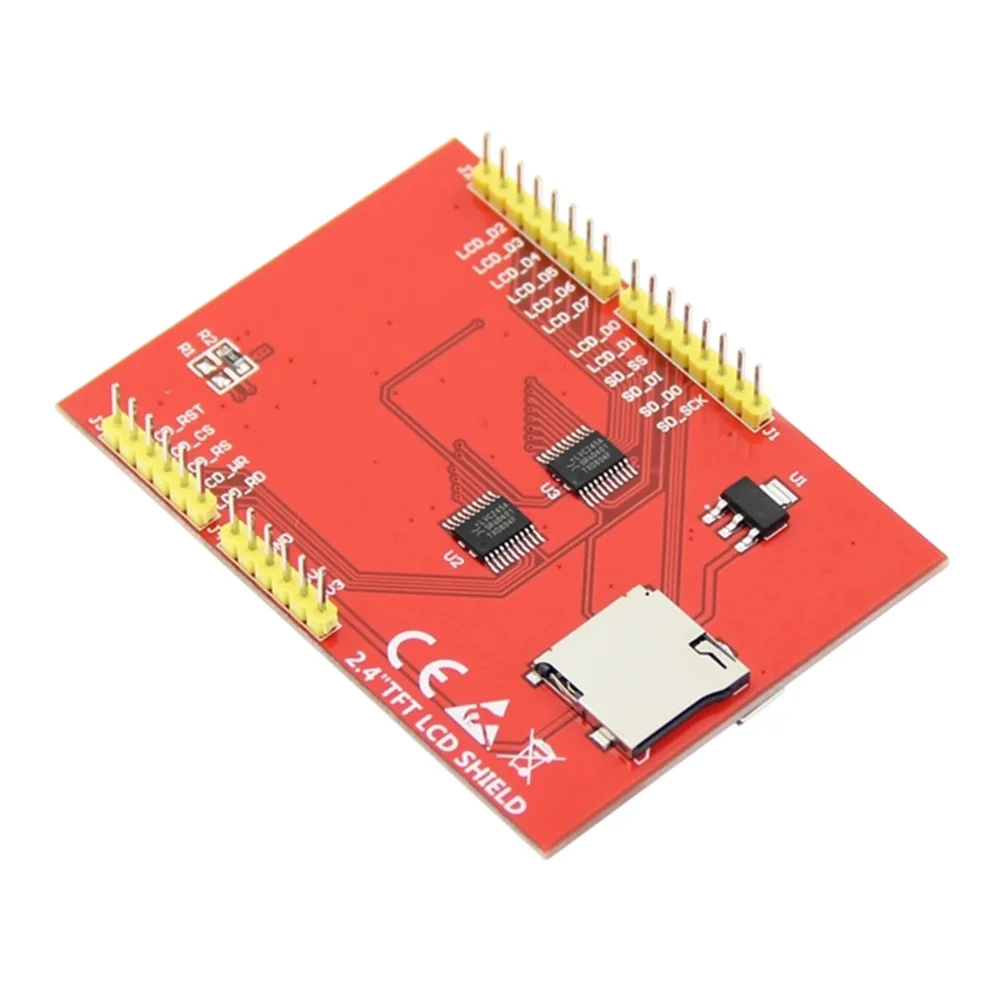
- Built-in SD Card Slot: For storing images and data (available in many variants)
- Wide Controller Support: Often uses ILI9341 / SPFD5408 / HX8347 controllers
- Parallel Interface: Fast 8-bit data transfer for smooth graphics rendering
Technical Specifications
- Display Size: 2.4 Inch
- Resolution: 320 × 240 pixels (QVGA)
- Display Type: TFT LCD
- Touch Type: Resistive Touch
- Color Depth: 65K colors (16-bit)
- Operating Voltage: 5V (Arduino UNO compatible)
- Interface: 8-bit Parallel Interface
- Controller IC: ILI9341 / SPFD5408 (varies by model)
- Compatibility: Arduino UNO, Mega (with libraries)
- Mounting: Shield (direct stacking on Arduino UNO)
How It Works
The 2.4 inch TFT touch display shield operates through a simple yet effective process:
- The TFT display receives pixel data from Arduino via parallel interface
- The display controller IC processes and renders graphics on screen
- The resistive touch panel detects pressure coordinates when touched
- Arduino reads touch input and responds accordingly with visual feedback
This allows creation of interactive graphical interfaces with real-time user interaction.
Applications and Use Cases
- Touch-based control panels for home automation
- Arduino GUI projects with interactive menus
- Data monitoring and visualization systems
- Home automation interfaces and smart home controls
- Industrial control displays and HMI applications
- Educational electronics projects and STEM learning
- DIY weather stations with graphical data display
- Gaming and entertainment projects
Advantages of TFT Touch Display Shield
- Easy plug-and-play installation with no soldering required
- Combines display and touch functionality in one module
- No external wiring required – clean and simple setup
- Suitable for beginners and advanced users alike
- Supports popular graphical libraries for easy programming
- Cost-effective solution for interactive display projects
- Compact form factor saves space in your projects
Getting Started and Usage Tips
Library Support
- Use libraries like Adafruit GFX, MCUFRIEND_kbv, or TFT LCD library for easy programming
- Check controller IC before selecting the appropriate library
- Install required libraries through Arduino IDE Library Manager
Best Practices
- Calibrate the touch screen before use for accurate touch detection
- Avoid excessive pressure on the screen to prevent damage
- Use Arduino Mega if memory becomes a limitation for complex graphics
- Test with example sketches before developing your own code
- Store images on SD card to save Arduino memory
Pin Configuration for Arduino UNO
The shield utilizes the following pin connections:
- Uses most digital pins (D0-D7) for parallel data transmission
- Control pins: RS, WR, RD, CS, RESET for display control
- Touch pins use analog inputs for coordinate detection
- SD card slot uses SPI interface (if available)
Why Choose This TFT Touch Display Shield?
This 2.4 inch TFT touch display shield offers an excellent balance of functionality, ease of use, and affordability. Whether you’re building a home automation control panel, creating an interactive data display, or learning embedded graphics programming, this shield provides everything you need in a compact, ready-to-use package. The resistive touch technology ensures reliable operation even in challenging environments, while the vibrant color display brings your projects to life.
Note: Images are for illustration purposes only.



Reviews
There are no reviews yet